Senior Product Designer · Adobe Firefly Enterprise

Hi, I'm Minh‑Anh. I turn messy systems into tools people trust.

01
Custom Models · Enterprise & individual · 2023 to 2026
Giving teams and individuals control and confidence with Firefly Custom Models
$22M+ · 14× growth
02
Enterprise software · 2025
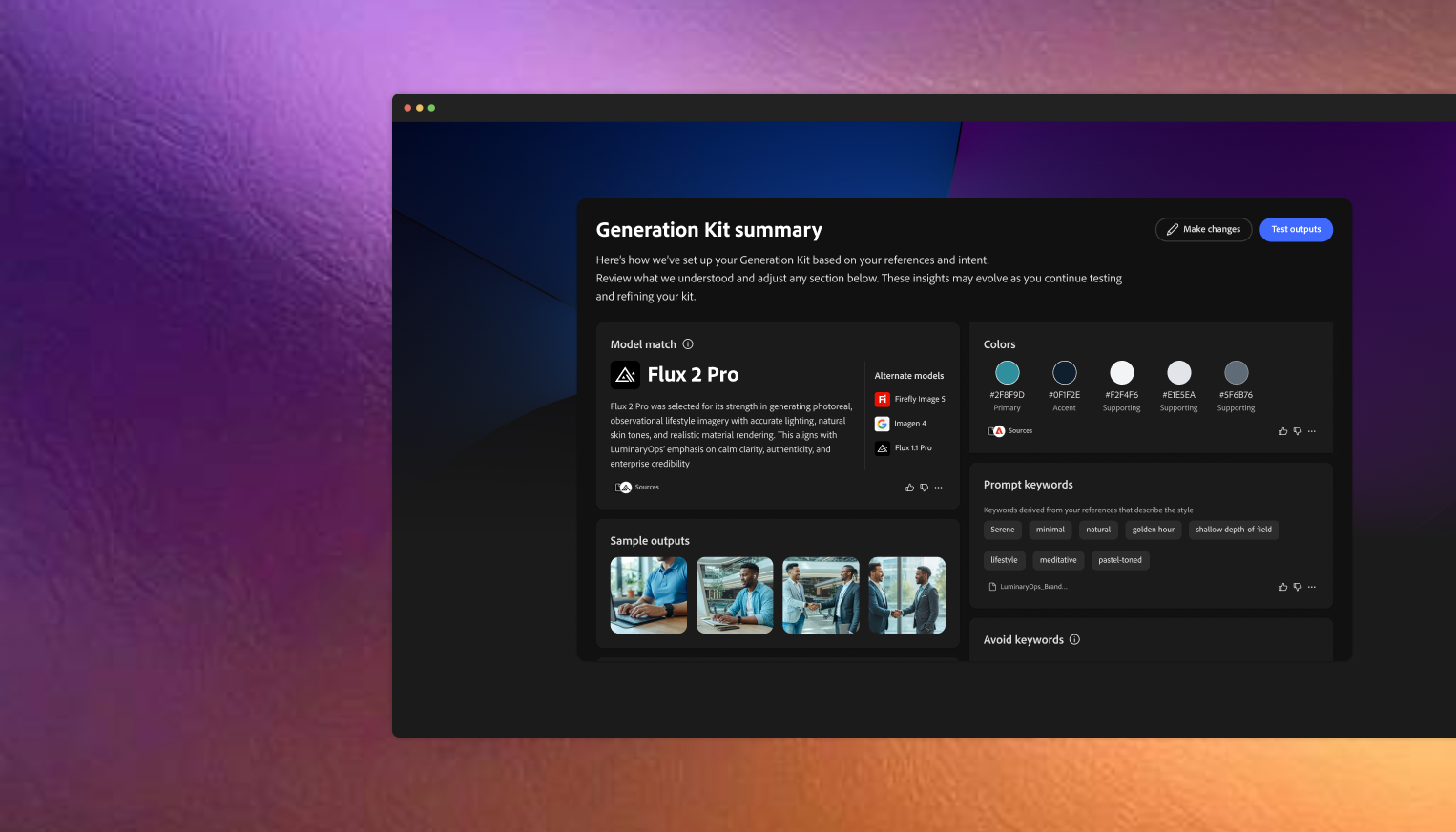
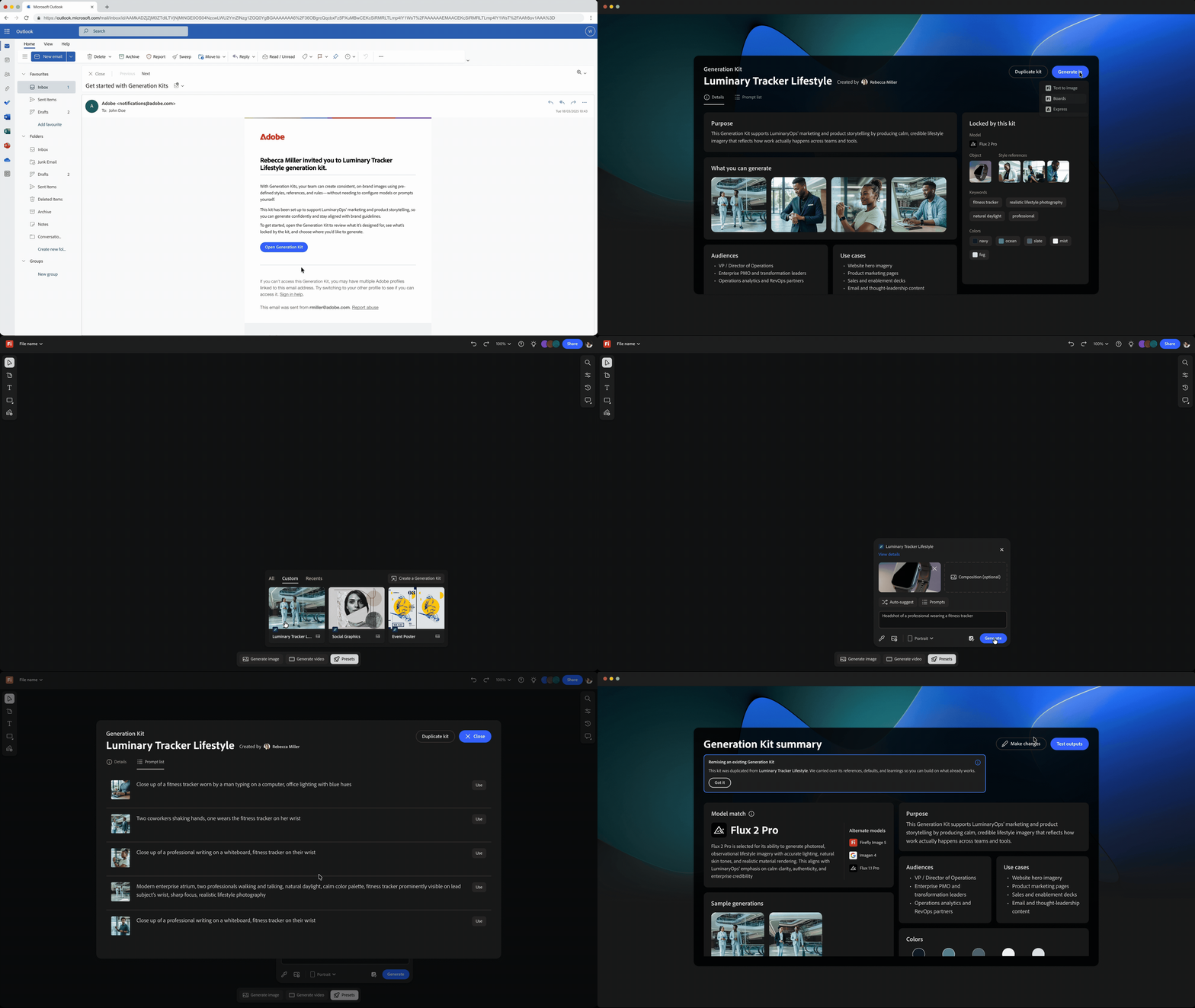
Scaling on-brand AI creation across models with reusable generation intelligence
🔒 Password
03
Enterprise software · 2025
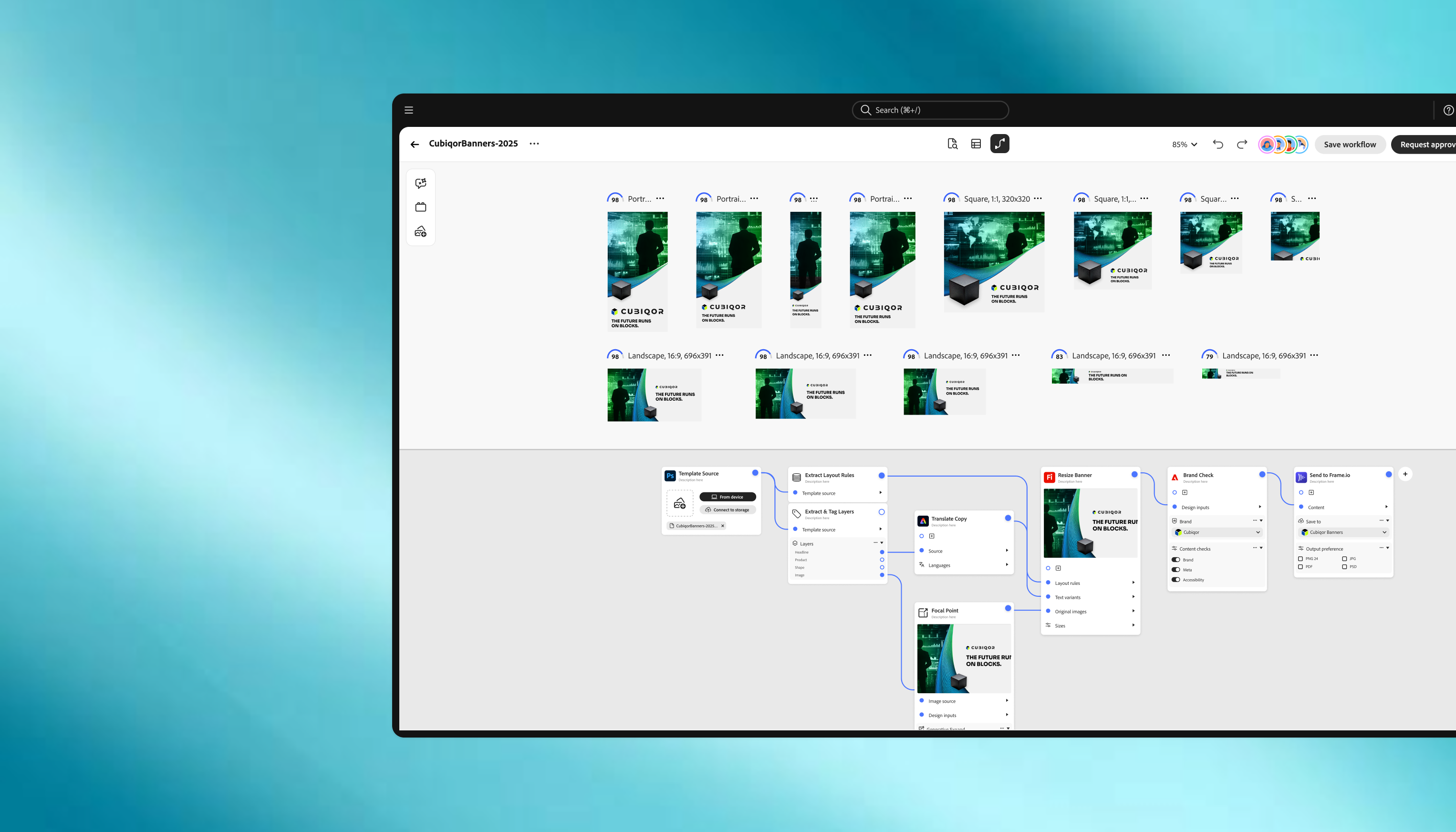
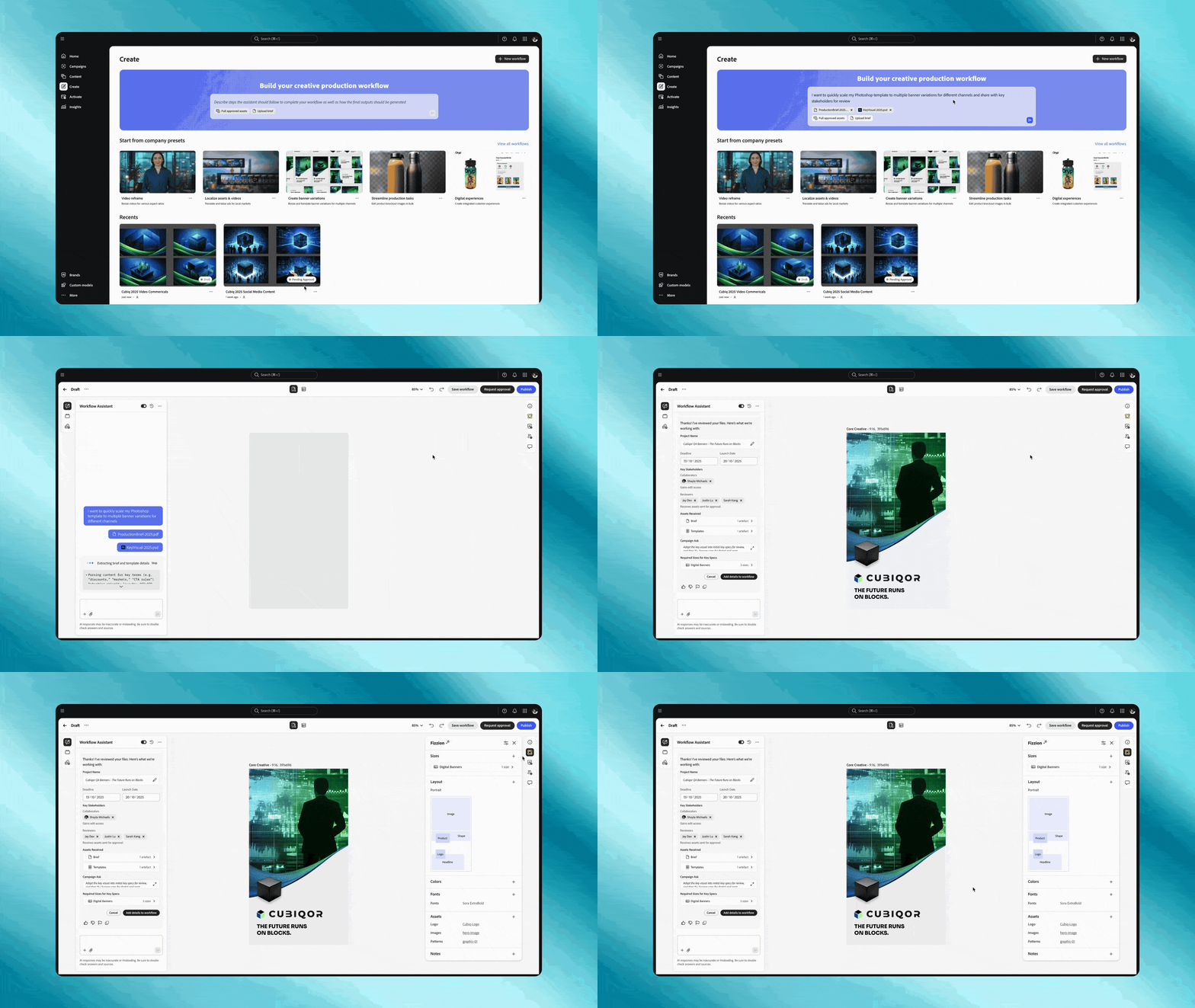
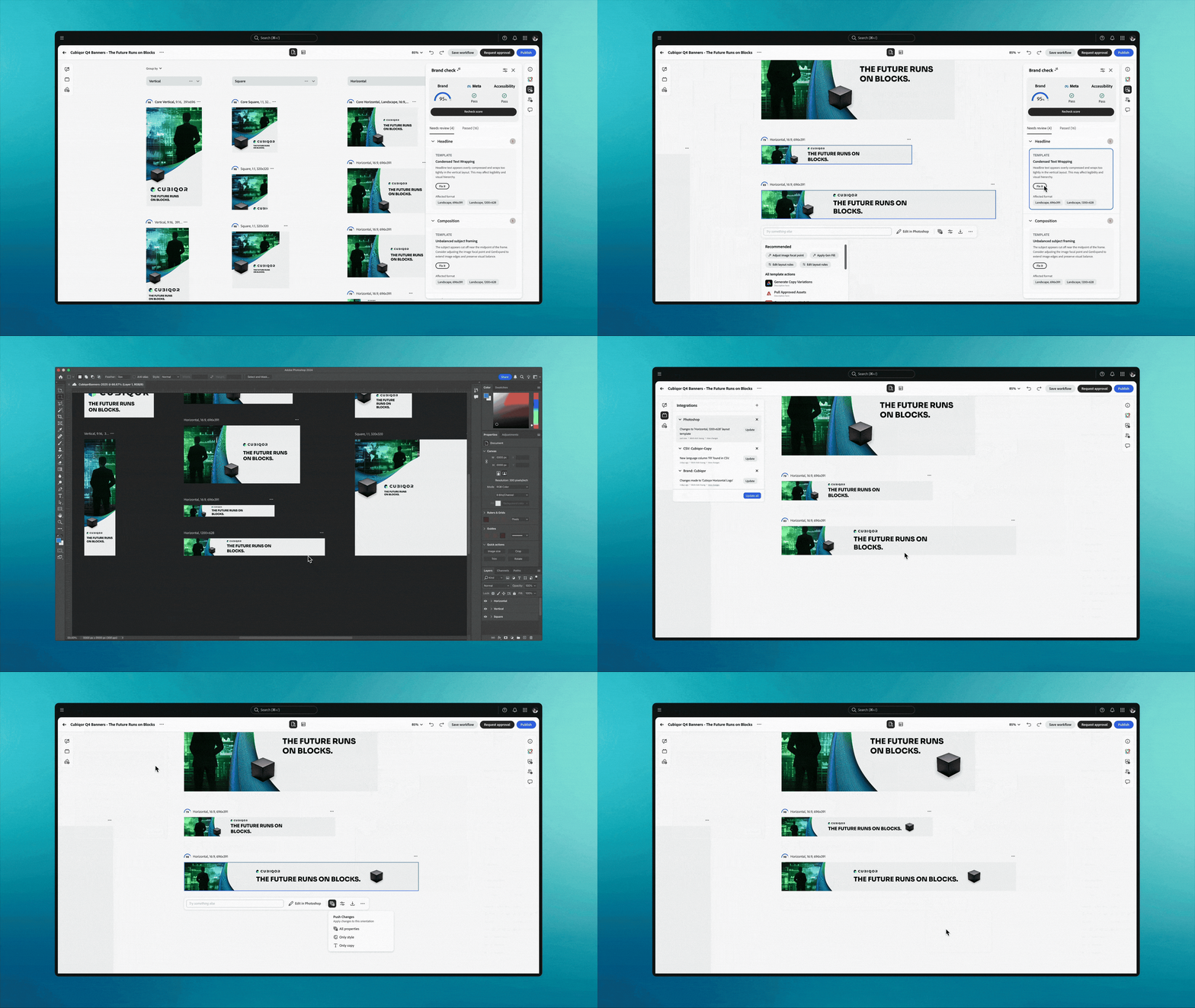
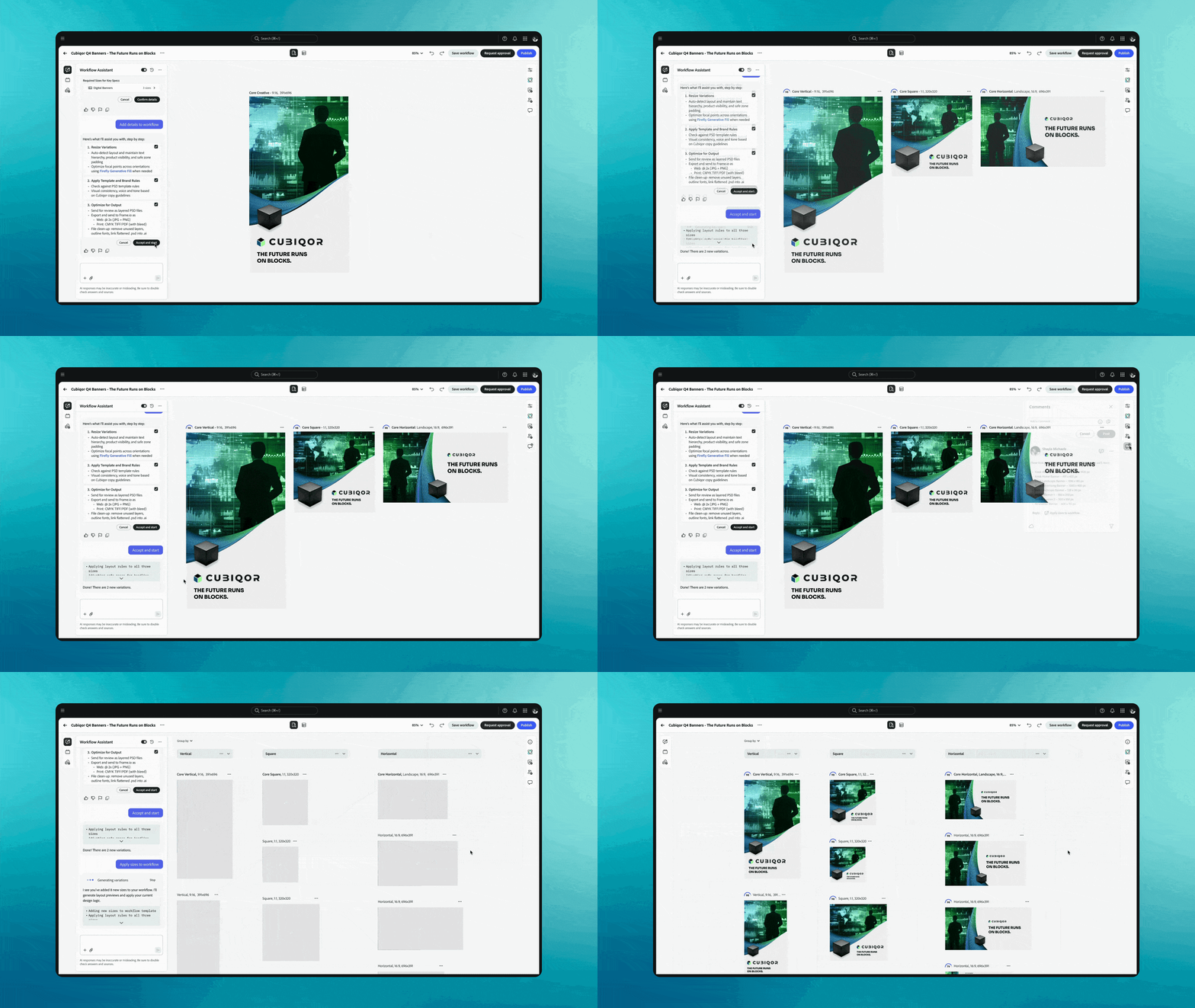
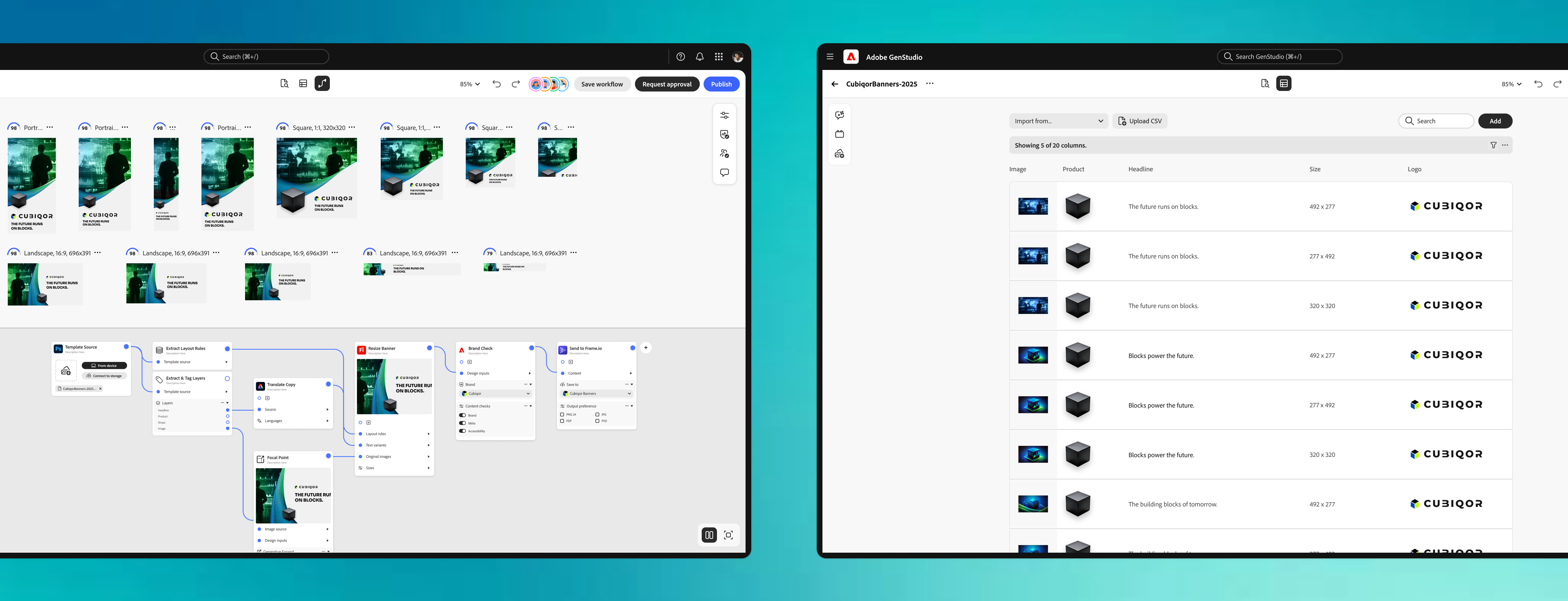
Helping creative teams scale production with output-first workflows
🔒 Password
Minh-Anh
Portrait of Minh-Anh Vuong

I'm a Senior Product Designer on Adobe Firefly Enterprise. I work with enterprise customers, product and engineering partners, and leadership to turn messy generative AI problems into clear product direction, from vision sprints through shipped work.

I've always been drawn to how people work, from individual conversations to the larger context that surrounds them. My MBTI maps to ENFP: energized by ideas, quick to connect patterns, and always trying to find the why in everything I do.

cv / resume ↗

Kind words

Tinkering.

Ideas I keep coming back to: coded experiments, creative side projects, and things I made just because I wanted to. Drag the cards around.

Coming soonData visualisation
Coming soonGenerative pattern study
Coming soonEmotional skills game
Coming soonPainting, process notes
work
in
progress

Words.

Short notes on design, AI, and the work around both.

Organization: sorting your life out as an aspiring UX designer & student (+ FREE Notion templates)

School on its own is already stressful enough. Especially if you're balancing studies and a job, it can feel like there's no time to prioritize applying for summer internships or co-ops. I am by no means an expert, but it took almost four years to gather a few tricks and tips to stay on track with my studies and career development. Hopefully, these insights can help you too.

Stay on track with deadlines & deliverables

Spend a day at the beginning of the semester to review your syllabus schedules and write out your assignments, presentation, quiz, and exam deadlines. Your first week of classes will most likely include syllabus reviews, making it the perfect time to input all your tasks and deadlines in your calendar and a productivity platform.

1. Don't just use your calendar. Create a planning & documentation system.

I like to use Notion to keep track of my upcoming deadlines in a database where I can use metadata to categorize them, check-mark them when finished, and take class notes, all in one space! So, check out and duplicate my School Workspace Notion Template.

What's great about Notion is that merges planning with documentation and collaboration. You can share particular pages with other members and collaborate on a brainstorming doc or draft for a specific deliverable before creating your final doc in Microsoft Word or Google Docs.

For all iOS users, you can even turn one of your Notion pages into a home screen widget to easily access your upcoming deadlines on your iPhone!

2. Keep mini to-do lists for your study sessions

So you have your deadlines listed but when it comes down to tackling them, the workload can feel overwhelming. How can we relieve some of that stress?

Keep small to-do lists for tasks you must do in one sitting or during that study session. Ideally, write out at most five mini-tasks. Nothing is more gratifying than checking off a to-do, so allow yourself to have smaller wins. The key is to keep the to-do's short, concise, and specific, making sure you're not thinking too much ahead and only at the task at hand.

I like to set up small to-do list cards on my desk. However, if I were at a coffee shop, I would bring my iPad and use the GoodNotes To-do List template. Another option, for your at-home office, is to use a website like Lifeat.io. It allows you to set up an aesthetic virtual workspace (ex: travel to the Hogwarts library) which is great for working with a monitor and create a mini to-do list widget on top of the beautiful view.

Stay ahead of internship applications

3. Know your application windows

Take some time early in the process to find out when companies open their applications to students. Of course, every company is different, but based on my experience, large companies post business intern positions about a year before the internship. On the other hand, UX design intern positions are posted about nine months before the internship period.

And so, I like to keep a page in my Notion space of company-specific and agency-specific job pages as well as industry-specific job boards.

4. Track your leads

Once you're ready to start applying to companies and agencies, keep track of all the positions you applied for in a spreadsheet or Notion board. You can update the status of the application and include a link to the posting. If you create a Notion board, you can copy-paste the job posting into the individual Notion pages within the database. Then you can refer to the job posting to identify repetitive keywords and use them to tailor your resume.

Check out and duplicate my Job Prep Notion Template, which contains a section to draft your application documents, job boards for internships and UX design positions, as well as databases to track your application and cold messaging leads!
Imposter Syndrome: getting started in UX design

If you are someone who has struggled with not feeling good enough, no matter how hard you work at something, you're not alone. Imposter syndrome can sneak up on us in many ways and never entirely goes away.

While you may think it is blocking you from moving forward, it can be an opportunity to form a better relationship with yourself, so you can be your biggest cheerleader.

When I was young, my parents encouraged me to try almost every hobby. Although I felt I excelled quickly at them, I soon realized that if a hobby became too difficult or I thought I was not as good as my peers, I would look to another hobby. This became an endless cycle, and I thought I would become a "jack of all trades, master of none."

Similarly, in my journey to pursuing UX design, I often felt I could not be a true designer without a design degree. I believed it would be extremely tough to catch up to those who have started much earlier than me. The feeling of being an imposter only grew, making it difficult for me to feel confident in sharing my work or ideas if I did not think they were "perfect."

Imposter syndrome can come up in various ways, and you may have had these similar instances:

  • Feeling like a fraud
  • Thinking people can see you don't know what you're talking about
  • Not allowing yourself to be proud of your accomplishments
  • Being afraid to share unfinished or imperfect work
  • Catastrophizing the outcome if you were to mess up

Over time, I learned to let others into my process and became less afraid to admit to others that I didn't know everything, but I was willing to learn. As someone constantly seeking to be more proud of my progress, I want to share practices that helped me better manage my imposter syndrome.

Cultivate a better inner voice

When you are your harshest critic, you constantly struggle with that inner voice telling you to be better and do better. Quite frankly, it's exhausting.

Speak to yourself as you would speak to a friend. Sometimes it is much easier to show compassion toward others than to speak kindly to ourselves. The next time you are replaying moments in your head where you might have felt embarrassed, take a deep breath, visualize yourself sitting in front of you, and talk to that person as if you were comforting a friend.

Practice self-affirmations until it doesn't feel silly anymore. As cheesy as it sounds, using self-affirmations can work if you truly give it a shot. The ones you see online might sound silly to you, but if you look carefully, some may give you a feeling of relief. Take the time to find affirmations that speak to you. Here are some that I like to use:

  • You are here for a reason.
  • No one is keeping track of your mistakes.
  • I'm proud of you and your progress.
  • You don't have to know everything.
  • I give myself permission to learn from my mistakes.

Asking for help doesn't make you a burden

I remember my dad often asked me after I was utterly stressed from figuring everything out on my own: "why didn't you ask the teacher for help? That is what they're there for". I had a habit in school where I always wanted to prove that I could do anything on my own. So I hesitated to ask, not necessarily because I thought it was a weakness; I did not want to be a burden.

I soon realized that everyone around me was willing to help—friends, teachers, managers—and that doing so doesn't diminish your abilities compared to your peers. Instead, asking for help will probably take a ton of weight off your shoulders and allow you to break through roadblocks much faster.

Be patient with your progress

Have you ever felt excited after spending long hours on a design, but as time passes, you realize, "what the heck was I thinking?". I noticed there was a significant gap between my taste and skill level. On the one hand, I was developing my personal taste by watching and critiquing industry experts. But on the other hand, I was trying to cheat my way by mimicking what professionals did successfully without taking the time to practice.

An excellent post by Zofia, a design consultant from Slovakia, explains why we end up hating our designs and how growth is an endless race of balancing our taste and skill.

Practice does not make perfect; practice makes progress. Be patient with your progress and know there will be a time when your skill and taste will align. This concept lessened the expectation that every deliverable had to be perfect because it was more valuable that I was committing to practice. That said, our progress is not linear; all the mistakes and all the hurdles you overcame contribute to the abilities you have today.

Expose yourself to other's experiences

Don't be afraid to share your experiences with imposter syndrome with others. You might be surprised as to how many people in your life are in similar shoes as you, and you may gain a new perspective.

You can learn more from other designer's experiences with these interesting reads from other UX design blogs:

Inspiration: kickstarting your journey with UX design resources

A few people have contacted me, wanting to know about my transition from marketing to UX design. Many came from different backgrounds because they were dissatisfied with their chosen career paths or were curious about the field.

While they had asked me about specific bootcamps they were looking to join, they also would wonder, "what is UX design exactly?". I would always say, "wait a minute, let's take a step back." Before diving into any bootcamp, certification, or degree, you need to find out whether you could see yourself in this field before spending thousands on a learning program.

With the abundance of online content, finding resources to help you get started in your UX journey can be overwhelming. And so, I want to share how specific UX design resources inspired me to pursue UX/UI design before committing to a bootcamp.

1. Listen to industry experts

Believe me when I say I've looked at almost every kind of resource out there to learn more about this industry. Out of all of these mediums, the one that got me the most inspired was listening to designers. This could be anything from live streams recorded on YouTube to design podcasts.

It also helps you visualize yourself in their shoes and their day-to-day lives instead of simply reading a description on a job posting. To help you get started, I recommend looking at day in the life and Q&A videos. Here are a few of my favourite videos and Youtube channels:

Topics

Channels

2. Have valuable conversations

Reach out to designers you know or people who may know of one. There are also platforms aimed to help you network. For instance, ADP List, LinkedIn, or design communities like Memorisely.

Designers within your network can give you the best insight into what skills are essential, your different learning options, how to build a design portfolio, and so much more. But remember, a career in tech can include many other titles you may have never heard of and that may pique your interest. Ask designers who they work alongside; researchers, content strategists, product managers, program managers, and engineers are among the few.

3. Establish the basics

As a starting point, UX/UI or product design short courses and blogs are great ways to build a basic foundation. Bootcamps and degrees are programs that allow you to solve problems in the form of case studies that surround these theoretical design concepts and frameworks. And so, you will not be far off by looking into these short courses to see whether the content piques your interest.

UX Design Blogs

FREE Short Courses

It is important to note that courses are great for building general knowledge but avoid the need to take as many classes as you can, especially if you decide to go the self-teaching route. Even though you may think you need to gain extensive knowledge to begin designing, getting started with conceptualizing ideas is the most crucial step to progressing your journey as a designer.

4. Put into practice

The UX design process is not linear and can vary from designer to designer. Understanding the design thinking process and philosophy is a good starting point.

To get a general understanding, grab a pen and paper and follow designers as they go through their UX design process:

Find your own process

As you continue learning, you'll discover a few tools and tactics designers use to synthesize user research, define user pain points, brainstorm ideas, and bring them to life. However, a good designer must know when to use the most suitable one at the right time.

Finding your process can only be done with practice. If you ever feel stuck working on your case studies, look up in-depth articles that explain particular phases where you feel stuck.

Design Tools

Figma has become one of the leading product design tools; there is also Adobe XD, Sketch, Invision, and much more. Typically these platforms have their own tutorials on how to use them, but you can also find specific videos for your respective tools on YouTube.

Finding Practice Opportunities

Lastly, find opportunities to create digital designs to further sharpen your visual design skills. Especially if you're considering becoming a freelancer, looking into brand strategy, brand design, and web design can enhance your technical skills and soft skills that would be beneficial to a career in UX/UI. This includes knowing how to work with clients, managing your time, conceptualizing ideas, and understanding business needs. In this case, The Futur and The Futur Academy offer well-thought-out content about design & business for freelancers and small businesses.

5. Grow your knowledge

What is great about the design field is that it is constantly evolving and changing. Developing a growth mindset is one of the most valuable abilities. Stay curious, keep learning, and find what niche topics interest you the most!

Whether you pursue a degree, bootcamp, or start seeking jobs as a self-taught designer, I hope these steps will excite you to pursue a career as a UX/UI designer. So take it one step at a time. You got this!

Case study · Custom Models · 2023 to 2026
Giving teams and individuals control and confidence with Firefly Custom Models
Role
Lead Designer
Vision through launch; leading Individual & Teams expansion
Timeline
2023 to 2026
Ongoing ownership
With
PM, UX Research
Engineering, Product Marketing
$22M+
Active enterprise business
14×
Customer growth, first year
MAX '25
Opening Keynote, President of Digital Media

Overview

I led design for Firefly Custom Models from vision through launch, including the expansion to individuals and teams, helping people train AI on their own brand content instead of fighting the default every time.

Project details
Problem

Creators and teams struggled to get outputs that matched their brand. Every generation needed manual rework, which eroded trust and slowed production. Relying on prompts alone was fragile: guidance lived in people's heads, did not transfer, and did not scale. The underlying gap was not the base model. It was that there was no durable way for a team to own, share, and hand off what "on-brand" meant as a trained capability.

Solution

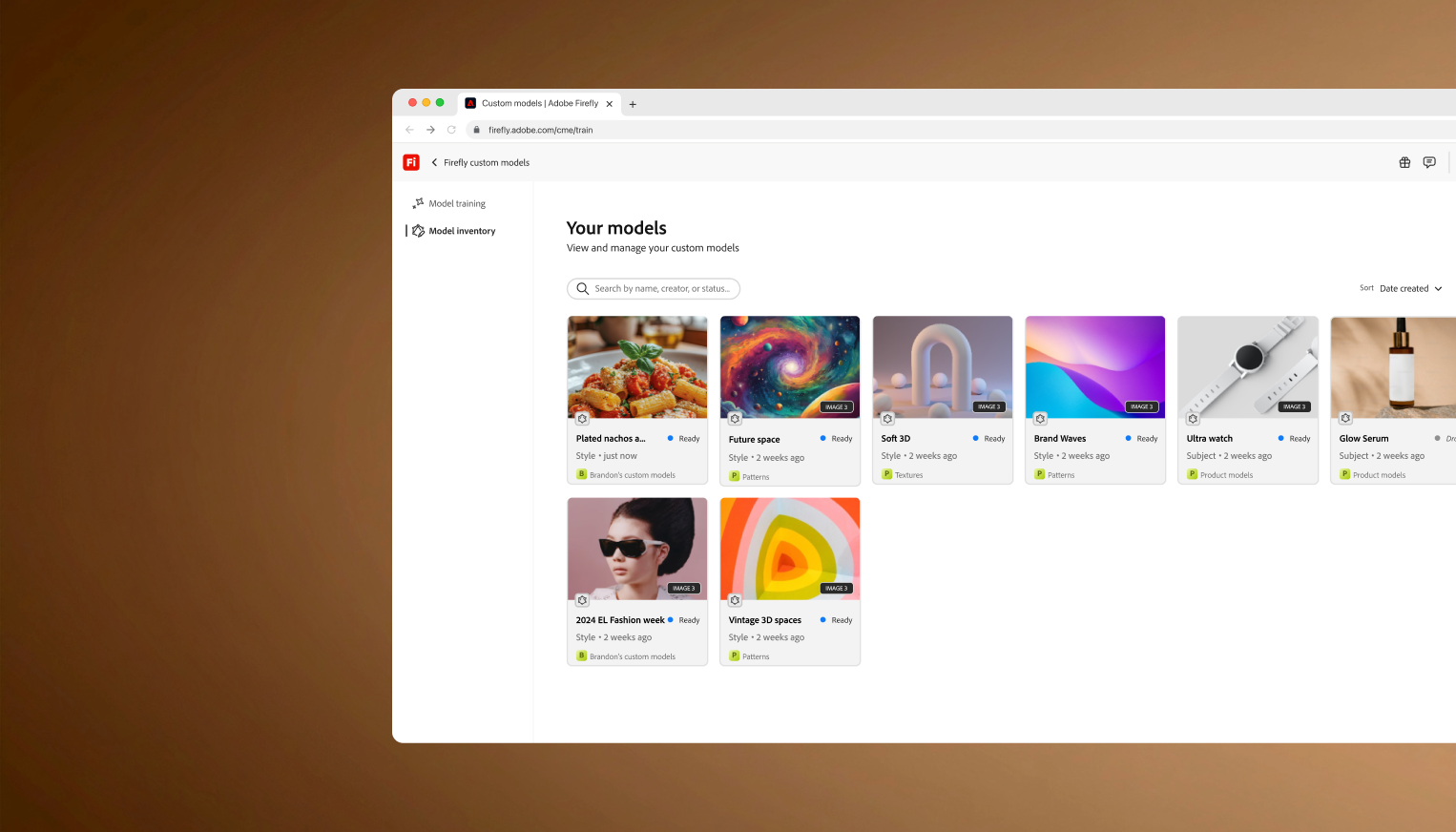
Teams can train Firefly on their own images to preserve style, characters, and visual consistency, with ownership and creative control kept front and center.

Impact

The work supported a major enterprise business, strong first-year customer growth, and a flagship Adobe MAX keynote, which cemented Custom Models in Adobe's generative AI story. We reached individuals and small teams through a private beta first, then released a public beta in March 2026.

Custom Models announced on stage in the product's first year
Year-one visibility: leadership announcing Custom Models on the keynote stage.

Model-as-asset, not model-as-configuration

A self-service platform that lets teams train custom AI models on brand-specific photography, illustration, and subjects. Key design decision: a trained model should feel like something a team owns, names, and can hand off, not a settings page someone set up once.

Onboarding and training a Custom Model: guided setup and reference uploads
Guided flow to create and train a model on brand references so teams can onboard without treating it as buried configuration.

Grounded in how enterprises actually run

Enterprise needs set the bar, but the story was meeting people where they create: Custom Models in Firefly text-to-image where we started, Firefly Boards for infinite-canvas mood boarding, and Adobe Express so marketing teams and creators could use the same models while building ad layouts, with more enterprise surfaces alongside.

Custom Models across Adobe surfaces: Firefly text-to-image, Boards, and Express
Meeting users in flow: the same trained model, available across the surfaces where work actually happens.
What I took away

Enterprise is its own world

Enterprises are ecosystems. Direct customer conversations surfaced interdependencies desk research never would have caught, which shaped journey maps and gave the team a shared picture of what we were solving for.

The right mental model changes everything downstream

Framing the model as an asset, something you own, name, and share, unlocked a cleaner IA, a more intuitive permissions model, and a faster path to trust for new users.

Case study · Enterprise software · 2025
Scaling on-brand AI creation across models with reusable generation intelligence

Password required

NDA content. Request access or enter below.

Incorrect. Try again.
Case study · Enterprise software · 2025
Helping creative teams scale production with output-first workflows

Password required

NDA content. Request access or enter below.

Incorrect. Try again.